Picture your customer: standing outside, one bar of signal, thumb hovering over the back button. If your page is blank for a few seconds, the menu is a PDF or the booking button is too small to hit, they go to the next result. Most small business websites do not lose customers on design. They lose them on friction.
Google’s three speed checks
Google measures real visitors’ experience with three numbers called Core Web Vitals:
- Largest Contentful Paint (LCP): how quickly the main content appears. Google counts 2.5 seconds or less as good.
- Interaction to Next Paint (INP): how quickly the page responds when someone taps. Good is 200 milliseconds or less. INP replaced the older First Input Delay measure in 2024.
- Cumulative Layout Shift (CLS): how much things jump around while loading. Good is 0.1 or less.
They are part of how Google judges page experience, but the bigger reason to care is simple: faster, steadier pages keep people on them long enough to book.
The usual culprits
- Huge photos uploaded straight from a camera or phone.
- Too many add-ons: sliders, chat widgets, trackers and social feeds all loading at once.
- Autoplay video at the top of the page on mobile data.
- Slow, overcrowded hosting.
- Pop-ups that cover the page the moment it opens on a phone.
Friction that costs bookings
- Buttons and links too small or too close together to tap.
- The menu or price list only available as a PDF.
- A phone number that is not tappable.
- Booking that opens three new tabs or asks for an account first.
- Hours and address buried three clicks deep.
- Body text smaller than 16 pixels.
The fix list
- Compress images and serve modern formats like WebP or AVIF.
- Load images further down the page only when needed.
- Remove add-ons you do not use; delay the ones you do.
- Use good hosting with a content delivery network.
- Keep a sticky “Call” or “Book” button on mobile.
- Put your menu and services on the page as real text.
- Make tap targets comfortably large, around 48 pixels.
- Show hours, address and a map link on every page.
- Shorten forms to the fields you really need.
- Reserve space for images so the page does not jump.
Test it in five minutes
Run your homepage through PageSpeed Insights (pagespeed.web.dev) on the mobile setting. Then hand your phone to a friend, switch to mobile data and watch them try to book. Write down every moment they hesitate.
What a modern small business site includes
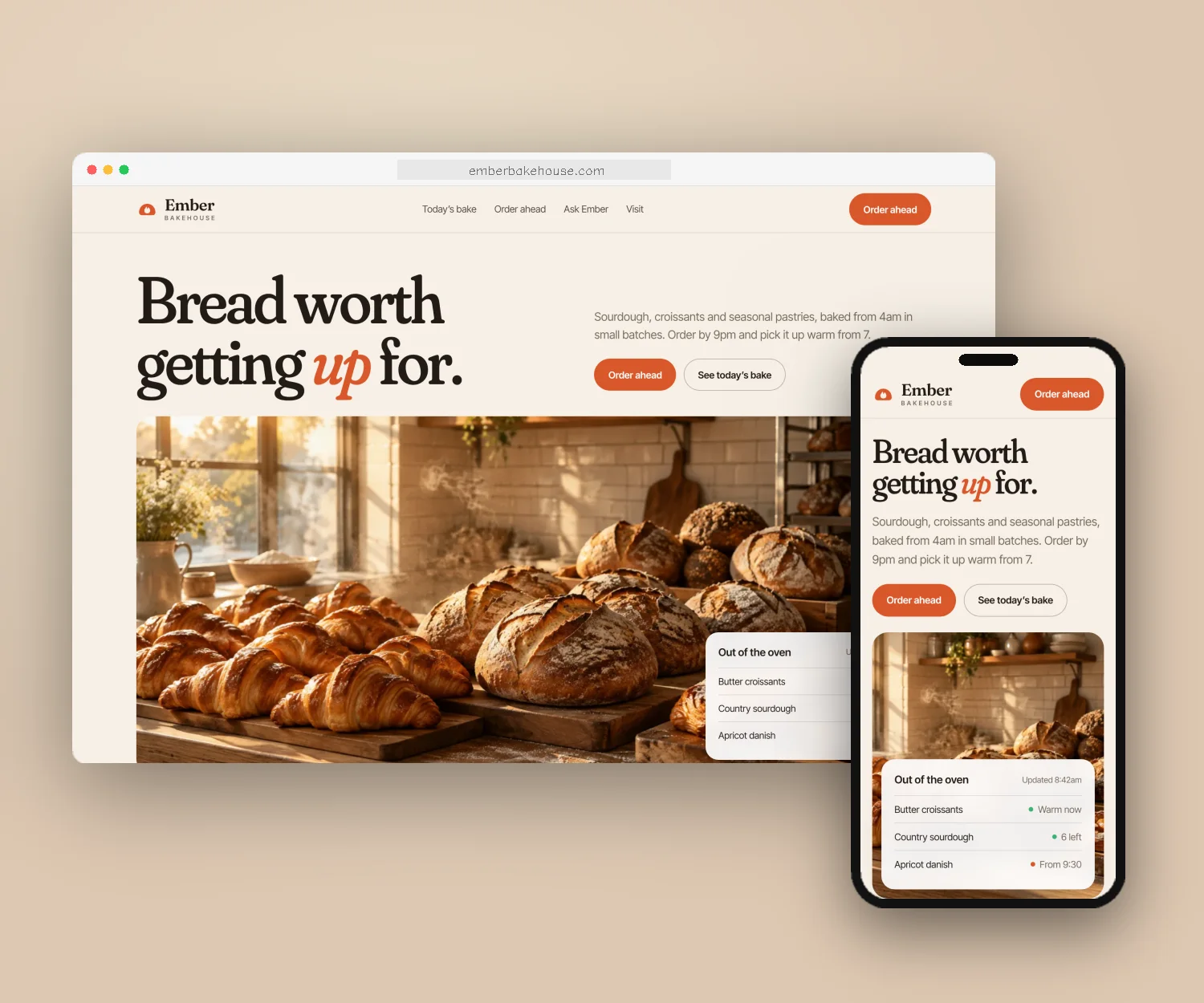
Fast hosting, compressed images, phone-first layouts, a sticky booking or call button, your menu and services in text, SEO basics like page titles and structured data, simple analytics and accessible colors and text. Our standard websites are delivered within 48 hours and built phone-first with all of this in mind.
Questions people ask
Does site speed affect Google rankings?
Page experience, including Core Web Vitals, is one of many signals Google uses. Relevance matters more, but speed decides whether visitors stay long enough to call or book.
Is my website builder the problem?
Not usually on its own. Heavy templates, large images and too many apps slow most sites down, whichever builder you use.
How often should I check my site speed?
After any big change, and every few months otherwise. Google Search Console also reports Core Web Vitals from real visitors.
Designated Studio is the marketing, website and branding team for local businesses in the US, Canada, the UK, Europe and Australia.